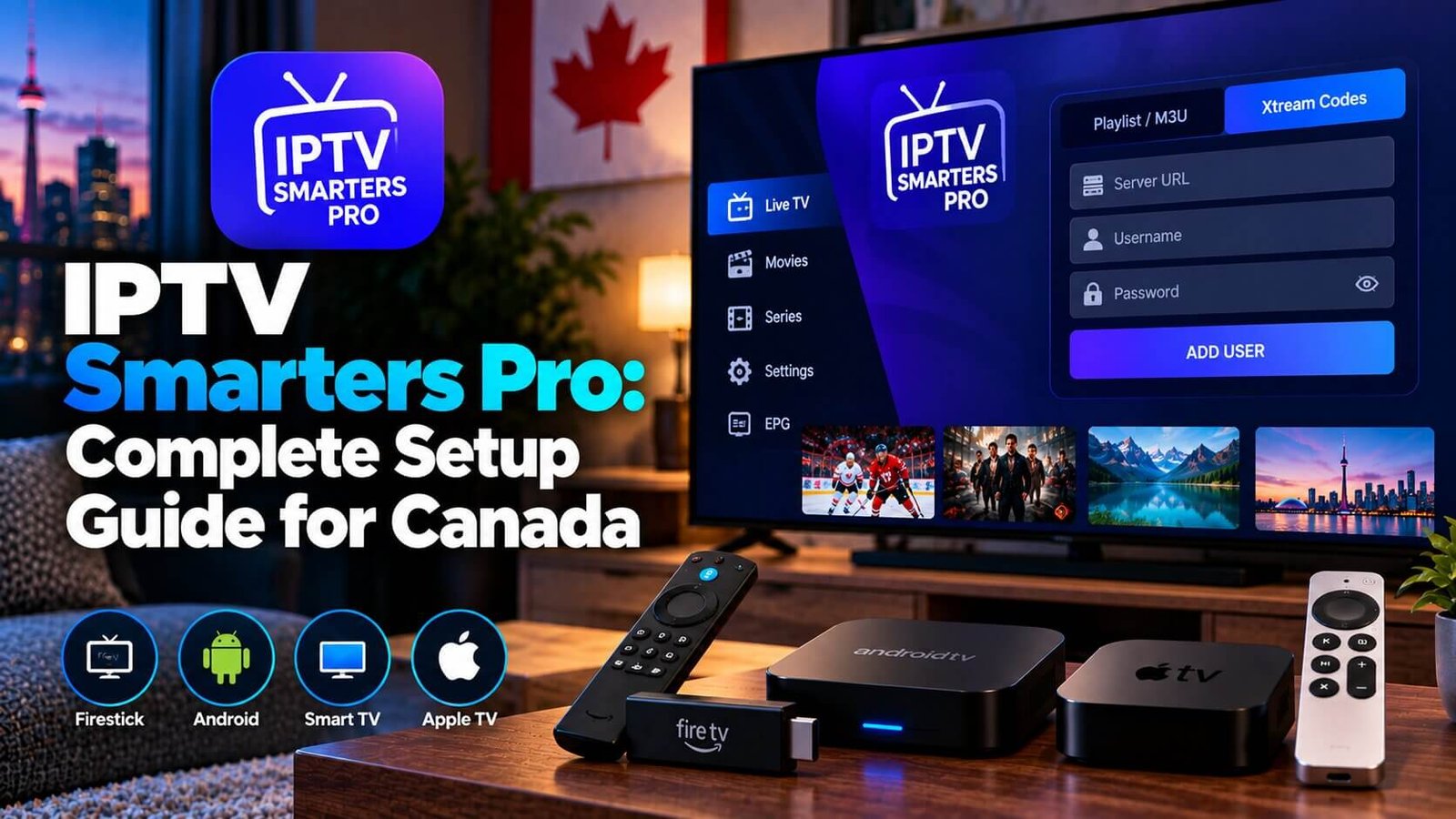
IPTV Smarters Pro is the app most Canadian subscribers reach for first, mainly because it supports a wide range of devices and keeps the setup process fairly consistent across them, though exact availability, version and features can vary by platform, country and app-store listing. This guide walks through downloading the app, adding your subscription, and fixing the handful of errors that trip up most first-time users, in the order most people actually run into them.
IPTV Smarters Pro: What It Is and How It Works
IPTV Smarters Pro is a media player app. It does not supply channels, movies or any content on its own — it simply displays whatever your IPTV subscription provides once you enter your login details. The app itself is free to download from the usual app stores, though exact availability and version can vary by platform, country and app-store catalogue; any cost you pay comes from your subscription, not from the app.
This distinction is worth keeping in mind, since it explains why installing the app is only half the process. Without an active subscription and its login details, the app has nothing to play. It also explains why you will sometimes see IPTV Smarters Pro mentioned in very different contexts online: the app itself is neutral software, and what people experience with it depends entirely on the subscription they connect it to.
What You Need Before You Add Your Subscription
Before opening the app for the first time, it helps to have your subscription details somewhere you can copy from directly, whether that is an email, a message, or a notes app on your phone. Retyping long server addresses from memory is one of the easiest ways to introduce a small error that stops channels from loading.
A stable internet connection matters more than the specifications of the device itself. Most devices sold in the last several years are capable enough to run the app smoothly; a weak or overloaded home connection is a far more common source of playback issues than the hardware, especially in the evening when several devices in the same home may be online at once.
Downloading IPTV Smarters Pro on Firestick, Android, iOS and Smart TV
On Firestick and Android devices, IPTV Smarters Pro is generally available through the device’s own app store. Search for the app by name, install it, and open it once the download finishes. On iOS, availability can vary by region and by App Store version, so check the store directly on your device rather than assuming it will always appear under the same name.
If a search on your specific device does not return the app at all, it is worth checking whether your device is genuinely supported before assuming something went wrong with the search itself. Some very old device models or heavily restricted regional app stores may not list every player app.
Some smart TV platforms support IPTV Smarters Pro directly, while others rely on separate apps built specifically for that TV, such as Smart IPTV for Samsung and LG models. If your app store search does not turn up IPTV Smarters Pro on your smart TV, that is usually a sign to use one of those TV-specific alternatives instead, which are covered in our IPTV apps comparison.
Whichever device you start with, the app itself looks and behaves the same way once it is installed, which is one of the main reasons it works well for households that use more than one type of device. Learning the layout on a Firestick, for example, means you already know your way around it on an Android box or phone.
Adding Your Playlist: M3U URL vs Xtream Codes Login
Once the app is open, you will be asked to add a playlist. IPTV Smarters Pro supports two common methods:
- M3U URL: a single link that contains your entire channel list. You paste this link into one field and the app loads everything from it.
- Xtream Codes login: three separate fields — a server address, a username and a password — that the app uses to connect to your subscription.
Neither method is inherently better; which one you use depends on how your subscription details were provided to you. Enter the information exactly as given, since even a single extra space or missing character in the server address is enough to prevent channels from loading.
A practical habit that saves time later: copy and paste these details directly from wherever they were sent to you, rather than retyping them by hand. If you do need to type them manually, read each field back slowly before saving, since server addresses in particular can look very similar to each other at a glance.
Using IPTV Smarters Pro on More Than One Device
Because the app is available on so many platforms, it is common to install it on more than one device in the same household, such as a Firestick in the living room and a phone for another room. In most cases, the same login details can be entered separately into each installation, and each device will show the same channel list and guide once connected.
This does not change how many devices can stream at the same time; that limit comes from your chosen package rather than from the app. The app simply makes it convenient to keep a consistent experience across every device you use it on. If you later decide to switch to a different player app on one device while keeping IPTV Smarters Pro on another, whether the same subscription details work in the new player too depends on that player and the connection method your subscription uses (playlist link or server, username and password).
Setting Up the EPG (TV Guide)
The EPG, or electronic program guide, is the on-screen schedule that shows what is airing on each channel. In IPTV Smarters Pro, the EPG usually loads automatically alongside your playlist, though it can take a few minutes to populate fully after your first login. If the guide appears empty right after setup, give it a short amount of time and reopen the app before assuming something is wrong.
If the EPG still shows no data after that, the most common causes are an incomplete playlist load or a temporary issue on the subscription side rather than a problem with the app itself. Reopening the app or restarting the device is usually enough to trigger a fresh load of the guide data.
The EPG is separate from the channel list itself, so it is possible for channels to play correctly even while the guide is still catching up. If your channels work but the schedule looks incomplete, give it a little more time before assuming anything is broken.
Fixing Common First-Time Setup Errors
Most first-time issues in IPTV Smarters Pro come down to one of a few causes:
- “No streams available” message: usually means the playlist link or login details were entered incorrectly, or the internet connection dropped during loading.
- Blank or partial channel list: often resolves itself after closing and reopening the app, since the playlist can take a moment to fully load on the first attempt.
- App closes unexpectedly: try clearing the app’s cache from your device settings and reopening it before reinstalling.
These three issues account for the large majority of first-time setup problems, and none of them point to a fault with the device itself. Working through them in order, starting with the simplest check, resolves most cases without needing to contact support at all.
If none of these steps help, double-check your login details against what was originally provided, and confirm your internet connection is stable. Persistent errors after that point are worth raising with support directly rather than repeatedly reinstalling the app.
It is also worth restarting the device itself, not just the app, if a problem does not resolve after a couple of attempts. A full restart clears more temporary issues than simply closing and reopening a single app.
Keep in mind that reinstalling the app does not change or reset your subscription in any way; your login details remain the same, so you will need to re-enter them once the fresh install finishes. Reinstalling is a troubleshooting step for the app, not for the subscription itself.
Frequently Asked Questions
Is IPTV Smarters Pro free to download?
The app itself is typically free to download from the standard app stores, though exact availability, version and pricing can vary by platform, country and app-store listing, so it is worth checking the current listing on your own device before assuming it is identical everywhere. Your subscription, which supplies the actual channels, is separate and is not free. Neither purchasing nor upgrading anything within the app grants access to channels on its own.
What is the difference between an M3U URL and Xtream Codes login?
An M3U URL is a single link containing your whole channel list, while an Xtream Codes login uses three separate fields: server address, username and password. Both connect the app to the same kind of subscription; you simply use whichever method your provider supplied, and there is no need to try the other one if the first works.
Why does IPTV Smarters Pro say “no streams available”?
This almost always points to incorrect login details or a dropped internet connection during loading. Recheck the server address, username and password against what you were given, confirm your connection is stable, and try reloading the playlist. If the message persists after a careful recheck, it is worth confirming with support that the subscription itself is active, since an expired or paused subscription produces the same message as a typo.
Get your free 24-hour trial credentials and follow this exact setup with IPTV Smarters Pro on your own device. If you are still deciding between apps first, see our comparison of IPTV apps before you install anything, and check the Installation Guide for steps specific to your device. Testing during the trial period is the most reliable way to confirm the app works well with your specific device and home internet connection before committing to a longer plan.
For an additional authoritative reference related to this topic, see IPTV Smarters official website.
Ready to test this on your own setup?
Review the Installation Guide for your device, then use the free trial to check the experience on your own connection before choosing a plan.