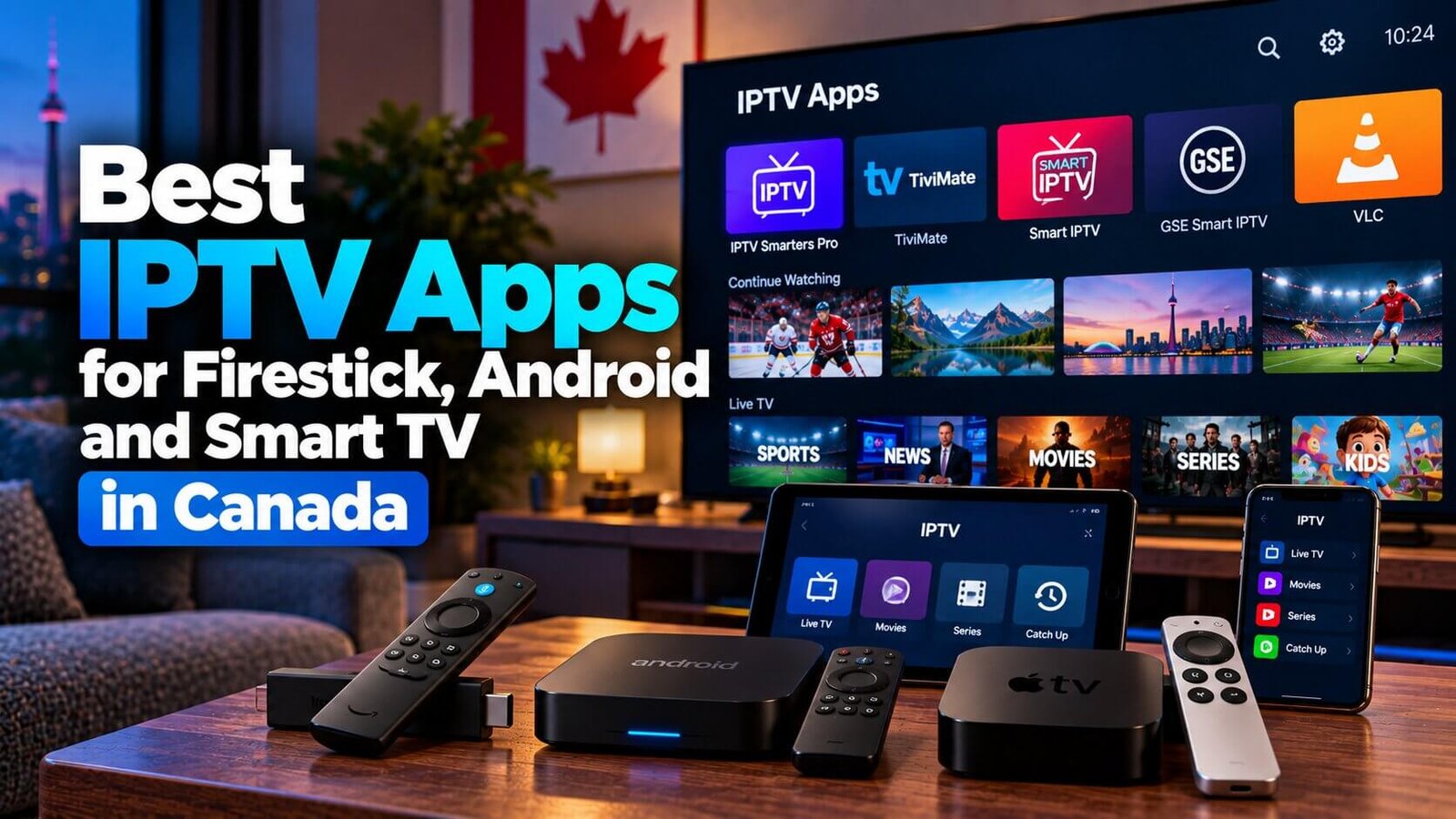
Choosing an IPTV app can feel harder than it needs to be, mostly because people confuse the app with the subscription itself. The app is simply the software that displays your channels and guide; your subscription is what supplies the actual content. This guide compares the player apps most commonly used by Canadian subscribers, based on which devices they support, how easy they are to set up, and how they handle your playlist, so you can pick one with confidence instead of guessing.
IPTV App vs Subscription: What Is the Difference?
An IPTV app is a piece of software you install on your device, similar to any other streaming app. It does not come with channels built in. Once installed, you add your own subscription details — either a playlist link or a username, password and server address — and the app uses that information to load your channels and program guide.
Some apps accept both methods, since providers structure their subscriptions differently. Whichever method your subscription uses, the outcome is the same once the details are entered correctly: the app becomes a window into your subscription rather than a source of content in its own right.
This separation matters for two reasons. First, availability, pricing and features vary by platform, version, country and app-store listing: some players are free, some are freemium, and some offer a paid tier for extra features, but the cost of your actual service normally comes from the subscription, not the app. Second, login compatibility across more than one player generally depends on which player you choose and the connection method your subscription uses (a playlist link, or separate server, username and password fields), so switching players does not usually mean switching providers.
Reputable IPTV player apps are usually direct about this distinction in their own descriptions. Smart IPTV, for example, describes itself simply as “a media player. No channels included,” and TiviMate’s own site states plainly that it “does not provide any content” and that any paid upgrade “unlocks application features only.” Keeping this in mind will help you compare the apps below on their actual merits, rather than on assumptions about what they include.
The comparisons below focus on three practical criteria: which devices and platforms each app supports, how straightforward the first-time setup is, and how well it handles your playlist and program guide. They are not ranked by streaming quality, price or any paid promotion, and no partnership or endorsement with any app developer is implied.
IPTV Smarters Pro: Best All-Round Option
IPTV Smarters Pro is the most widely used player app among Canadian subscribers, and for good reason: it runs on Firestick, Android, iOS and several smart TV platforms, and it accepts both playlist links and separate username, password and server fields. The interface groups live channels, a program guide and any video-on-demand content the subscription includes into a single, familiar layout.
Because it is available on so many platforms, IPTV Smarters Pro is a reasonable starting point if you are not sure which app to choose first, or if you want one app that behaves the same way across several devices in your home. A complete walkthrough is available in our IPTV Smarters Pro setup guide.
Its main advantage is consistency: once you know where the live channels, guide and settings sit in the interface on one device, the layout is similar enough on another device that you are not learning the app twice. This makes it a practical default for households with more than one type of streaming device.
TiviMate: Best for Android Boxes and Firestick Power Users
TiviMate is popular with viewers who want more control over how their channel guide looks and behaves. According to its developer, the app supports multiple playlists, favourite channels, search, a multiview mode for watching more than one channel at once, catch-up access to past broadcasts where the subscription supports it, and parental controls, alongside a more customizable grid-style guide than the default layout used by simpler apps.
TiviMate has a free tier and a paid premium tier; the premium tier unlocks the extra customization features listed above but is not required to use your subscription, and it does not add or unlock any channels on its own. The app is built primarily for Android TV-based devices and Firestick, and its developer notes it is not optimized for phones and tablets, so it suits a specific type of setup rather than every household.
Smart IPTV and GSE Smart IPTV: Best for Samsung and LG TVs
Available applications differ by television brand, operating system, model, region and app-store catalogue, which is one reason Samsung and LG smart TV owners often need a different app than Firestick or Android box owners. Smart IPTV and GSE Smart IPTV are two apps built with these smart TV platforms in mind: Smart IPTV is built specifically for Samsung and LG TV platforms and typically requires registering your TV’s device identifier before uploading a playlist file, while GSE Smart IPTV is a flexible alternative available on Firestick and Android as well, with a simpler playlist-based setup.
If your main viewing device is a Samsung or LG television rather than a separate streaming box, one of these two apps is generally a better starting point than trying to force a Firestick-oriented app onto your TV. Smart IPTV publishes separate installation instructions for Samsung Tizen and LG webOS models specifically because the registration step differs slightly between the two. This upfront registration step is the main thing that sets these apps apart from the others in this guide, but it is a one-time task rather than something you repeat every time you watch.
VLC: A Simple Backup Player
VLC Media Player is a free, open-source player that many people already have installed on a computer. It can open an IPTV playlist directly through its network stream option, which makes it a convenient way to quickly test a subscription without installing a dedicated app first. VideoLAN, the organization behind VLC, describes it as running on essentially every common platform, including Windows, Mac, Linux, Android and iOS, with no ads and no user tracking built in.
VLC does not offer the same program guide, favourites or multi-device features as a purpose-built IPTV app, so it works best as a backup or testing tool rather than an everyday, long-term player. It is a useful option if you want to confirm your subscription details are correct before spending time setting up a full player app, and it is one of the few options that works comfortably on a laptop or desktop computer rather than a TV-connected device.
How to Choose the Right App for Your Device
The right app depends more on your device than on any single feature list. The comparison below summarizes the practical differences:
| App | Best Supported Devices | Playlist Method | Ease of Use |
|---|---|---|---|
| IPTV Smarters Pro | Firestick, Android, iOS, several smart TVs | Playlist link or username/password/server | Straightforward, familiar layout |
| TiviMate | Firestick, Android boxes and TVs | Playlist link or username/password/server | More configuration options; slightly steeper learning curve |
| Smart IPTV / GSE Smart IPTV | Samsung and LG smart TVs (plus Firestick/Android for GSE) | Playlist file, often tied to a device identifier | Simple once registered, but the initial setup differs from other apps |
| VLC Media Player | Computers, and some mobile devices | Playlist link pasted into a network-stream dialog | Very simple, but limited features long-term |
If you already own a Firestick or Android device, IPTV Smarters Pro or TiviMate will feel the most natural. If your main screen is a Samsung or LG smart TV, look at Smart IPTV or GSE Smart IPTV first. If you only want to confirm a subscription is working before setting anything else up, VLC is the fastest way to check.
It is also worth considering how many people in your household will use the app day to day. If you want separate favourites or profiles for different family members, TiviMate’s multi-profile-style features may be worth the learning curve. If you would rather everyone use the same simple layout, IPTV Smarters Pro is usually the more comfortable shared option.
Do You Need More Than One App?
Most households only need one app, but there is nothing stopping you from installing a second one if your devices call for it. A common pattern is using IPTV Smarters Pro on a Firestick in the living room while a Samsung TV in another room runs Smart IPTV instead; whether the same login details work in both depends on the player and the connection method your subscription uses, though this is often the case.
Keeping a backup player like VLC installed on a computer or phone is also a reasonable habit, purely as a quick way to confirm a subscription is active without waiting to troubleshoot a dedicated app first. This does not necessarily add cost, since many backup players are free, though some apps offer optional paid tiers for extra features, so check each app’s current listing rather than assuming what is included.
Frequently Asked Questions
Is an IPTV app the same as an IPTV subscription?
No. The app is the software that plays your channels; the subscription supplies the channels themselves through a playlist link or login details. You need both, but they are separate things and often come from different sources. Several app developers state this directly in their own product descriptions, which is worth remembering if you come across content elsewhere that suggests otherwise.
Do IPTV apps cost extra on top of my subscription?
Availability and pricing vary by platform, version and app-store listing: some of the apps covered here are free to download, some are freemium, and some, like TiviMate, offer an optional paid tier for extra customization. Where a paid tier exists, it unlocks extra app features only; it does not include or unlock channels on its own, and your subscription is always a separate purchase from the app.
Which app is easiest for a beginner?
IPTV Smarters Pro is usually the easiest starting point because of its familiar layout and wide device support. If your main device is a Samsung or LG smart TV, Smart IPTV is the more direct option, even though its initial registration step looks a little different from a standard app install.
Compare the options above, then start your free 24-hour trial to test your preferred app on your own device before choosing a plan. For device-specific installation steps, see the Installation Guide. Trying an app during the trial period, rather than after committing to a longer plan, is the simplest way to confirm it fits how you actually watch television.
For an additional authoritative reference related to this topic, see Google Play entertainment apps.
Ready to test this on your own setup?
Review the Installation Guide for your device, then use the free trial to check the experience on your own connection before choosing a plan.