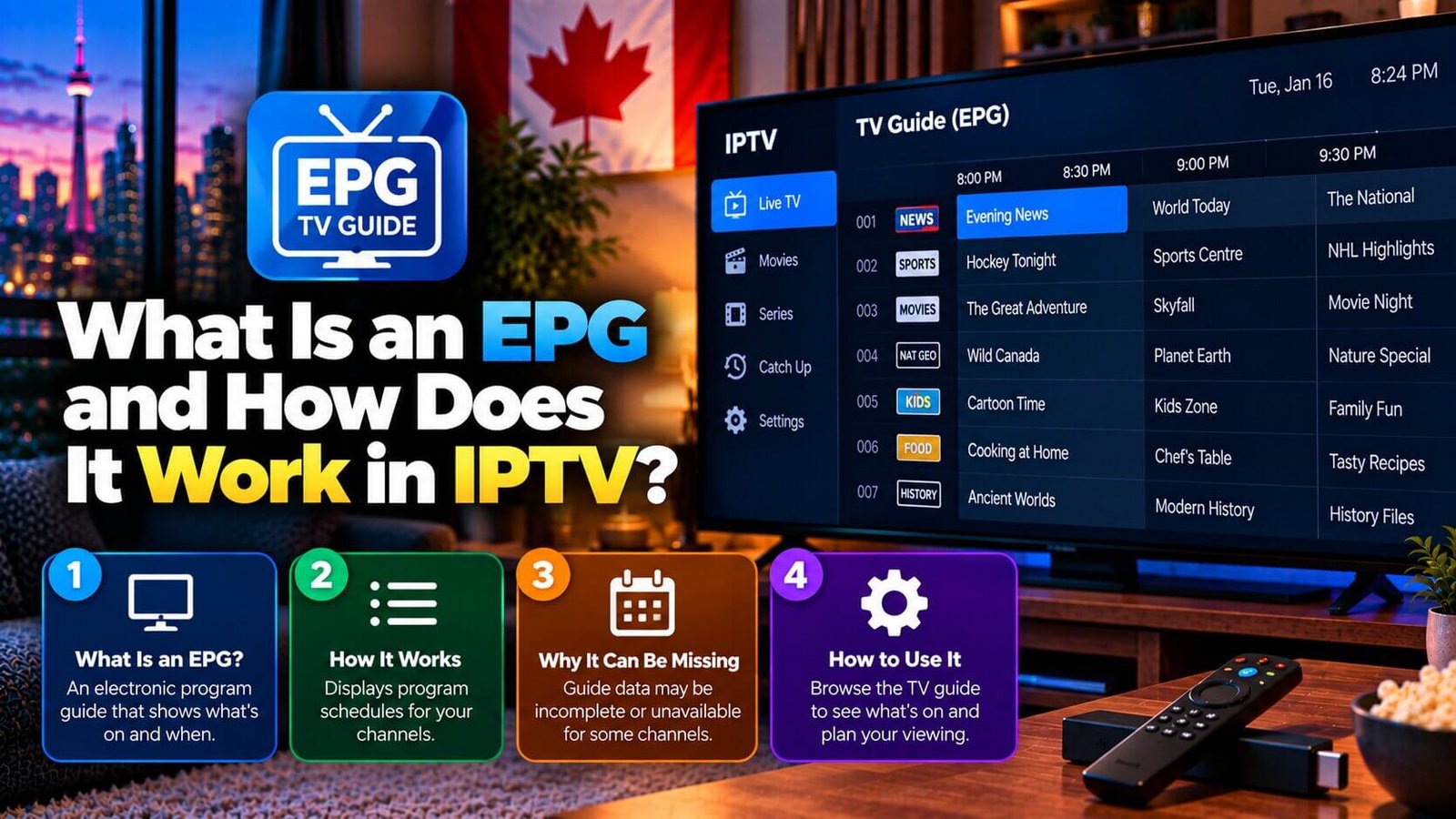
Many people searching for an iptv tv guide are really asking about the EPG, short for Electronic Program Guide, which is the on-screen listing that shows what is currently playing and what is coming up next on each channel. If you have seen the term “EPG” while setting up an app and were not sure what it referred to, this short explainer covers what it is, how it differs from your channel list, and why it sometimes shows no data at all.
IPTV TV Guide: EPG Explained in Plain Language
An IPTV TV guide, usually called an EPG, is essentially a schedule displayed inside your player app, that lists programme names, start times and often short descriptions for each channel over a given period, similar to the printed TV guides that used to accompany cable subscriptions. Instead of guessing what is currently airing on a channel, you can open the EPG and see the schedule laid out in a grid or list format, usually organized by channel and time.
Not every IPTV player app displays this information the same way. Some apps show a detailed grid with several hours of programming visible at once, while others show a simpler list limited to the current and next programme per channel. The underlying idea is the same across apps, even though the visual presentation can differ.
How an EPG Is Different from Your Channel List
Your channel list and your EPG are two separate pieces of information supplied to your app, even though they are often displayed close together on screen. The channel list is simply the set of channels included in your subscription, identifying what is available to watch at all. The EPG, by contrast, describes what is scheduled to play on those channels at specific times.
Because these are separate pieces of data, it is possible for your channel list to work normally, with channels playing without issue, while the EPG shows incomplete or missing information, or the reverse. Understanding that these are two different data sources helps when troubleshooting, since a channel playing correctly does not guarantee its guide information is accurate or present.
Why Your EPG Might Show No Program Data
A blank or missing EPG is a common and usually minor issue, and it generally points to the guide data source rather than to your subscription or the channel itself. Many apps require an EPG source, sometimes a separate URL or file, to be configured in addition to the playlist itself; if this has not been set up, or if the source is temporarily unavailable, the guide can appear empty even though channels continue to play normally.
EPG data can also vary in completeness depending on the specific source supplying it, meaning some channels may show detailed program information while others show very little, independent of anything you have done incorrectly. If your guide appears empty across every channel, checking whether an EPG source has been added in your app’s settings is a reasonable first step before assuming something more serious is wrong.
It is also worth remembering that an EPG source can take a short amount of time to populate fully after it is first added, particularly if the source covers a large number of channels. If your guide was just configured and still looks incomplete, waiting a short period and checking again before assuming something is broken is a reasonable approach, since some sources refresh their data on their own schedule rather than instantly.
Getting the Most Out of Your EPG
Once your IPTV TV guide is working correctly, it can make browsing considerably easier by letting you see what is playing across many channels at a glance, rather than switching between channels one at a time to check. Many apps also let you set reminders or favourites directly from the guide, though the exact options available depend on the specific app you are using.
If you regularly use certain channels, spending a few minutes exploring your app’s EPG layout and settings, such as how many hours of programming are shown at once or whether channels can be reordered, can make day-to-day browsing noticeably smoother, even though this is optional rather than required for the guide to function.
Frequently Asked Questions
What does EPG stand for?
EPG stands for Electronic Program Guide. It refers to the on-screen schedule showing what is currently playing and what is coming up next across your available channels.
Why does my EPG show no program information?
This is usually related to the guide’s own data source rather than your channel list or subscription. Many apps need a separate EPG source configured in addition to the playlist; if it is missing or temporarily unavailable, the guide can appear empty while channels continue to play normally.
Do all IPTV apps display an EPG the same way?
No. Some apps show a detailed multi-hour grid, while others show a simpler current-and-next list per channel. The underlying idea, a schedule of what is airing and when, stays the same, but the visual presentation depends on the specific app.
Can I use the EPG to set a recording?
In apps that support a recording feature, the EPG is often the starting point for selecting a programme to record, though this depends entirely on whether your specific app or box offers recording at all. The EPG itself only displays scheduling information; whether it can also trigger a recording is a separate app feature, not a property of the guide itself.
See the EPG in action for yourself during the Features overview, review the IPTV Smarters Pro setup guide for an example of where the EPG appears during setup, or read our related explainer on what catch-up TV means in IPTV.
For an additional authoritative reference related to this topic, see XMLTV project documentation.
Ready to test this on your own setup?
Review the Installation Guide for your device, then use the free trial to check the experience on your own connection before choosing a plan.