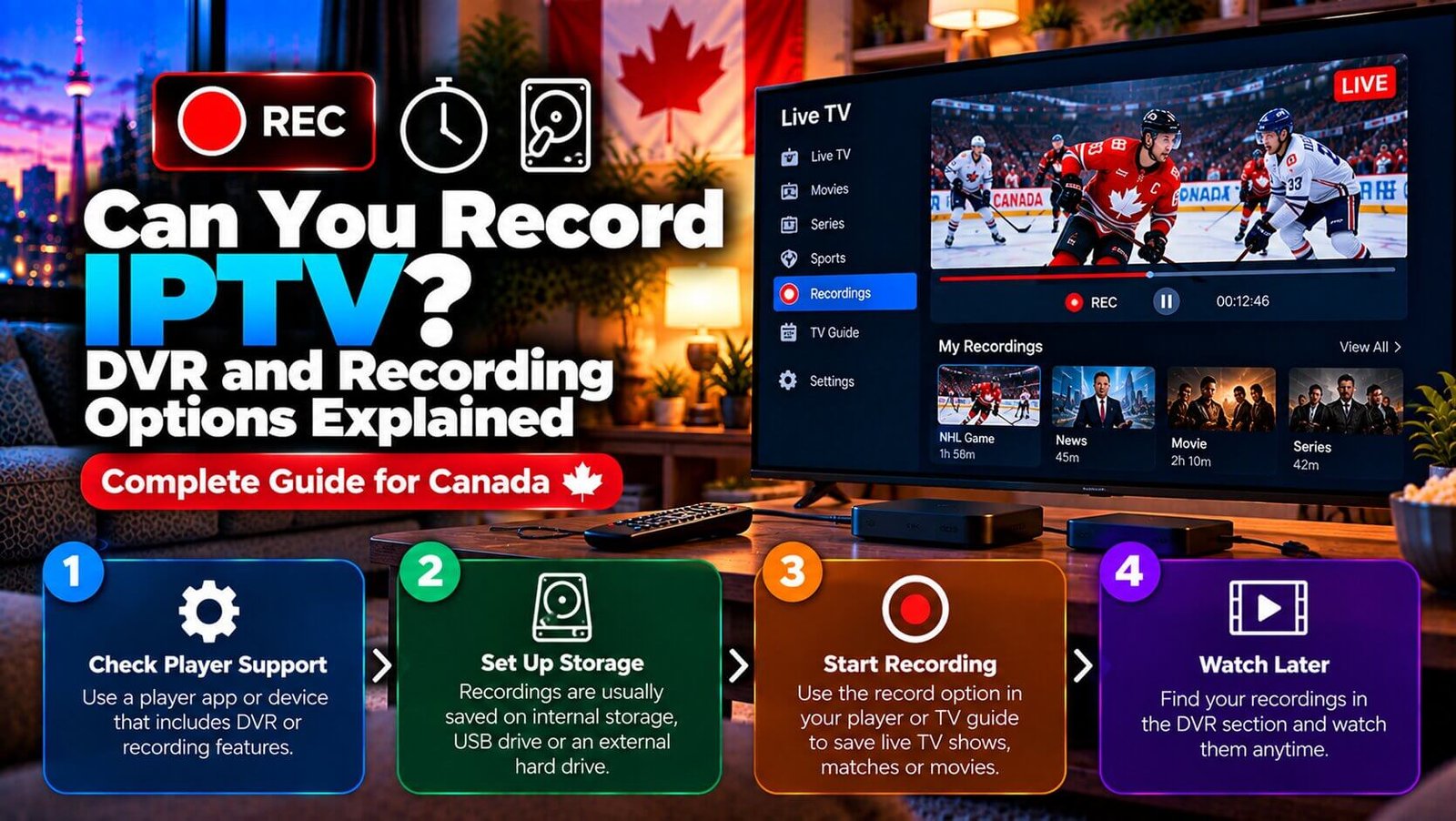
Whether you can use an IPTV recorder to save live channels the way a cable DVR does depends entirely on the app or box you use, not on IPTV as a technology in general. Some player apps and boxes include a local or cloud-based recording feature; many do not, and instead focus on live playback and catch-up-style replay. This guide explains the honest picture so you know what to check before assuming recording is included.
IPTV Recorder: Is DVR Included by Default?
For an IPTV recorder, no single answer applies to every setup, because IPTV describes a delivery method rather than one specific product with a fixed feature set. A subscription supplies channels; whether those channels can be recorded depends on the player app or box displaying them, and recording is not guaranteed simply because a service is delivered over the internet.
This is a common point of confusion for viewers moving from traditional cable, where a DVR box is often included as standard equipment. With IPTV, recording is an app or device feature rather than something built into the subscription itself, so the first question to ask is not “does IPTV record” but “does my specific app or box include a recording feature.”
Which Apps or Boxes Support Recording
Some player apps and dedicated boxes include a built-in recording option, usually saving content either to local device storage or to cloud storage tied to the app’s own account system. Others are built purely for live playback and do not offer a recording function at all, regardless of the subscription connected to them.
Because app features, availability and version can vary by platform, country and app-store listing, the most reliable way to confirm recording support is to check the specific app or box you already use, or plan to use, rather than assuming a feature carries over from a different app you may have used previously. If recording is important to you, confirm this detail with our support team on WhatsApp before assuming your chosen setup includes it, since we do not want to imply a specific app or box is recording-capable without that being confirmed for your exact device.
Local Storage Requirements for Recording
Where an IPTV recorder app or box does offer recording, it generally requires local storage space on the device itself, or in some cases an external drive connected to it, since recorded video files can be large depending on resolution and recording length. A device with limited internal storage may only be able to hold a small number of recordings before older ones need to be deleted to free up space.
Storage space is not unlimited on any device, and no recording feature should be assumed to offer unlimited or automatically-managed storage. If you plan to record regularly, checking the device’s available storage and how the app manages older recordings is worth doing before relying on the feature for anything time-sensitive.
Recording vs Catch-Up TV: What Is the Difference
Recording and catch-up TV solve a similar problem in different ways, and it helps to understand which one your setup actually offers. Recording means the app, device or service saves a copy of a live broadcast according to the recording feature it supports, which may use local, external or service-managed storage; you choose what to record and it remains available until you delete it or storage runs out.
Catch-up TV, sometimes called replay, is a different feature entirely: some channels or platforms make recent programming available to watch again for a limited window after it originally aired, without the viewer needing to record anything themselves. Catch-up availability depends on the channel and platform offering it, is typically time-limited, and is not the same as a personal recording that you keep indefinitely. If your app does not include recording but the content you want is offered through catch-up instead, that may solve the same underlying need without requiring local storage at all.
What to Check Before Assuming Recording Is Included
Before relying on any IPTV setup for recording, it helps to confirm a few practical details rather than assuming a feature works the way it did on a previous device or a different app. First, check the app’s own settings menu or published feature list for a recording or DVR option; if it is not listed, it is safer to assume it is not included rather than to guess. Second, note whether the recording option saves to the device itself or to an external drive, since this affects both available storage and whether recordings are accessible from another device.
It is also worth testing the feature with a short recording before relying on it for something important, such as a program you cannot watch live. A brief test confirms that the feature actually works on your device, your app version and your storage setup, rather than assuming it behaves identically to how it is described in general terms online. If a recording feature is not available on your current app, switching to a different player app does not necessarily require a new subscription, since login compatibility across apps depends on the app and the connection method your subscription supplies.
Frequently Asked Questions
Can I record live TV with my IPTV subscription?
It depends on the specific app or box you use rather than on the subscription itself. Some apps and boxes include a built-in recording feature; others do not. Check your specific app’s feature list, or ask our support team which apps support recording on your device, before assuming the feature is included.
Do I need extra storage to record channels?
In most cases, yes. Recording generally requires local device storage or an external drive, since recorded files take up meaningful space depending on resolution and length. No recording feature should be assumed to provide unlimited storage; check your device’s available space if you plan to record regularly.
Is recording the same feature as catch-up TV?
No. Recording saves a copy of a live broadcast onto storage you control, available until you delete it. Catch-up TV makes certain recent programming available to watch again for a limited time without you having recorded anything yourself, and depends on the specific channel or platform offering that option.
Ask our team on WhatsApp which apps support recording on your device, or explore your app’s own feature list during the Features overview and the Installation Guide before relying on a specific recording capability.
For an additional authoritative reference related to this topic, see Kodi PVR documentation.
Ready to test this on your own setup?
Review the Installation Guide for your device, then use the free trial to check the experience on your own connection before choosing a plan.