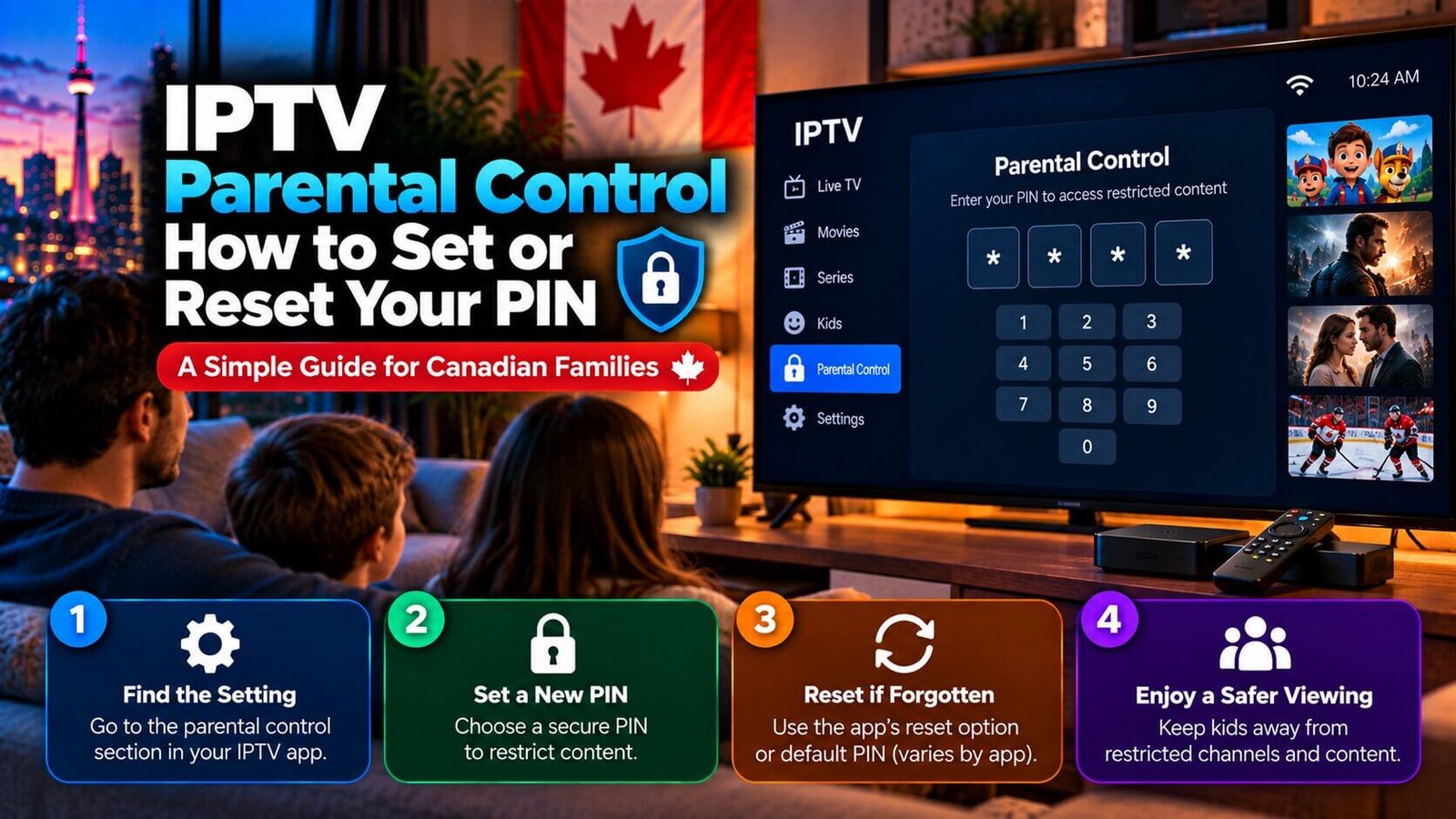
The search term “iptv parental control password” usually reflects one of two situations: setting a PIN for the first time to restrict certain channels, or trying to get back into a settings menu after forgetting a code you set earlier. Both situations are common, and neither means something is broken with your app or subscription. This guide explains how the parental control PIN generally works inside an IPTV player app, where the setting is usually found, and what to do if you cannot remember your existing code.
IPTV Parental Control Password: Why Apps Use a PIN
An IPTV parental control password is used because many IPTV player apps include a parental control feature so that a household can restrict access to specific channels or content categories, such as adult content or channels intended for mature audiences, without removing them from the subscription entirely. The PIN acts as a simple gate: anyone without the code cannot open the restricted channels or categories, while the rest of the channel list remains available as normal.
This feature exists at the app level, not the subscription level. The channels themselves are supplied by your subscription, but whether a parental lock is available, and exactly how it is configured, depends on the specific player app or box you use. Some apps offer a simple on/off PIN toggle, while others allow more detailed control over which categories are restricted.
Where to Find the Parental Control Setting
The exact menu path for parental controls varies from app to app, but it is almost always located inside a general “Settings” or “Preferences” area of the player app, sometimes under a sub-menu labelled “Parental Control,” “Content Restrictions,” or something similar. If you cannot immediately see it, check any settings icon on the app’s home screen or side menu first, since parental controls are rarely placed on the main channel-browsing screen itself.
If you have looked through the settings menu and still cannot locate a parental control option, it is possible that the specific app or version you are using does not include this feature at all. Not every IPTV player app offers built-in parental controls, so confirming whether your particular app supports the feature is a reasonable first step before assuming the setting is simply hidden somewhere.
How to Set a New PIN
When a parental control PIN has not been set yet, most apps that support the feature will prompt you to create one the first time you open the relevant settings menu, typically asking for a short numeric code that you choose yourself. Once set, that code is generally required every time someone tries to open a restricted channel or category from that point forward.
It is worth choosing a PIN that is easy for the adults in the household to remember but not obvious to a child who might see it entered on screen. Since this article does not name a specific app, the exact number of digits and confirmation steps will vary depending on which player app or box you are using, so following your own app’s on-screen prompts during setup is the most reliable approach.
What to Do if You Forget Your PIN
Forgetting an IPTV parental control password or PIN is a common experience, and how it is resolved depends entirely on the specific app in use rather than on any universal reset method. Some apps allow a PIN reset directly from within a settings menu, sometimes requiring you to confirm your account login first. Some apps may require a reinstall or another reset path, but what this clears varies by app version and device, so check the app’s own guidance before relying on that method.
Because reset processes differ by app, and because no default password should be assumed to apply to every app or version, the safest approach if you are locked out is to check your specific app’s own help documentation or settings menu for a reset option first. If you cannot find one, our support team can help you figure out the right next step for your particular app on WhatsApp, rather than guessing at a workaround that may not apply to your setup.
Frequently Asked Questions
Is there a default parental control password for every app?
No. Default PINs, where they exist at all, vary by app and by version, and some apps do not set a default PIN automatically. We do not state a specific default number here because it could be inaccurate or outdated depending on which app and version you are using.
Can I turn off parental controls completely?
In apps that support the feature, there is usually a way to disable the parental control restriction entirely from the same settings menu where it was enabled, though the exact toggle location depends on the specific app. If you are unsure how to do this safely in your app, our support team can help point you to the right menu.
Does resetting the PIN delete my channel list?
Resetting or clearing a PIN by itself should not remove your channel list or subscription details, since these are typically stored separately from the parental control setting. However, if a reset requires reinstalling the app entirely, you may need to re-enter your playlist or login details afterward, depending on how that specific app stores its settings.
Still cannot find the parental control setting in your app, or unsure how to reset a forgotten PIN? Message our support team on WhatsApp and we will help you locate it, or check the FAQ and Installation Guide pages for related setup questions.
For an additional authoritative reference related to this topic, see Google Play parental controls help.
Still need help with your setup?
If the issue continues after the checks above, use our contact page and include your device, app and exact error details. You can also review the Installation Guide for device-specific setup guidance.