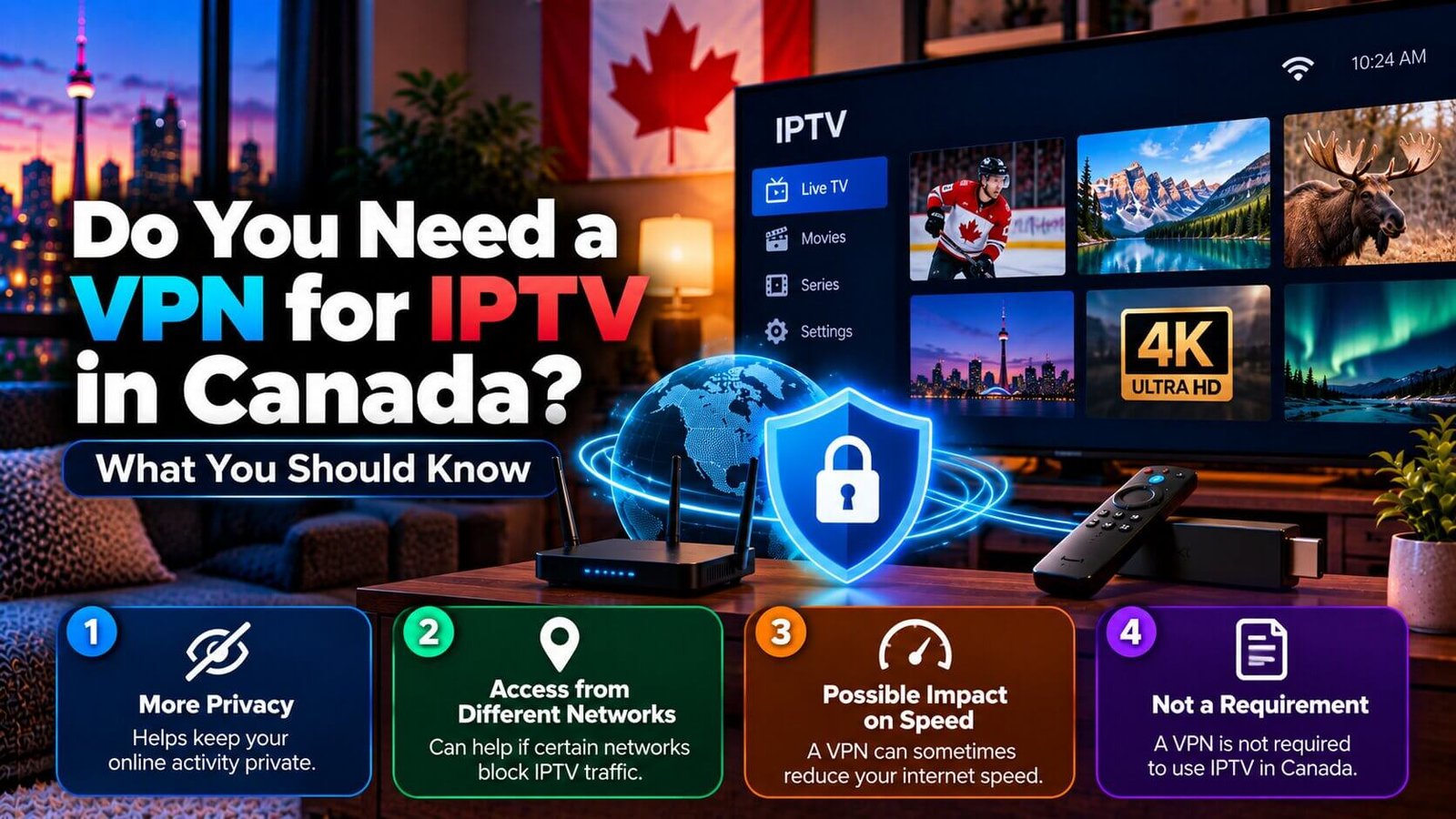
A VPN is not required to use an IPTV subscription, but some viewers choose to run one anyway for reasons that have nothing to do with unlocking extra content. If you have seen “iptv vpn” content elsewhere implying a VPN is mandatory or that it somehow expands what you can watch, this guide gives a straight, factual answer: what a VPN actually changes, what it does not change, and the trade-offs worth knowing before you decide either way.
IPTV VPN: Is a VPN Required to Use IPTV?
No. An IPTV subscription works over your existing internet connection the same way any other streaming service does, and a VPN is not a required step in setting it up. If a player app or installation guide asks for your subscription’s playlist or login details, none of those steps involve a VPN. Some viewers add one as an extra layer for their own reasons, covered below, but it is an optional choice rather than a technical requirement of the service itself.
This distinction matters because some unrelated content online blends “IPTV” and “VPN” together as if they were a single package, which can leave new subscribers thinking they need to buy or configure a VPN before their subscription will even work. In reality, the two are independent: your IPTV login connects to your player app on its own, and a VPN, if you choose to use one, sits underneath that connection as a general privacy layer rather than a required component of the service.
Common Reasons Some Viewers Use a VPN Anyway
One common reason people search for an IPTV VPN is general online privacy, is general online privacy: a VPN encrypts your traffic between your device and the VPN provider’s server, which keeps your internet service provider from seeing the specific content of what you are doing online, even though it can typically still see that a connection exists. Some households also use a VPN out of a general preference to reduce how much of their everyday browsing and streaming activity is visible to their network operator, independent of any particular app or subscription.
A smaller group of users add a VPN when they are on a public or shared Wi-Fi network, such as at a hotel or a friend’s house, and want the same privacy layer they would use for any other online activity on an unfamiliar network. Others simply prefer having a VPN active as a background habit across all of their devices, for the same general privacy reasons that lead people to use one for email, banking apps or web browsing, and they leave it running whether they happen to be streaming IPTV at that moment or not.
In each of these cases, the motivation is general network privacy rather than anything specific to how the IPTV subscription itself works. None of these reasons involve the VPN unlocking anything about the subscription; they are about how visible your general internet activity is to your own network operator, which is a separate question from what your IPTV package includes.
Can a VPN Affect Streaming Speed
Yes, potentially. Routing your connection through a VPN server adds an extra step between your device and the internet, and depending on the VPN provider, the server location you choose and your own base connection speed, this can sometimes reduce your effective streaming speed or add latency. In practice this varies a lot by provider and by how far the VPN server is from your actual location, so the effect ranges from unnoticeable to a real drop in picture quality or buffering, especially during a live stream where a steady connection matters more than with on-demand video.
Server load on the VPN provider’s side can also play a role: a VPN server that is handling a lot of traffic from other users at the same time may perform worse than a lightly loaded one, independent of your own connection quality. This is one reason the same VPN can feel fast at one time of day and slower at another, even without any change on your end.
If you decide to try an IPTV VPN, testing your playlist during your subscription’s trial period with the VPN switched on and again with it switched off is a practical way to see whether it makes a noticeable difference on your own network before deciding to use one full time. Comparing a couple of different server locations within the same VPN app, if it offers more than one, can also help you find a setting that performs better for live streaming specifically.
What a VPN Does Not Change About Your Subscription
A VPN does not add channels, unlock a premium tier, or change what your specific IPTV package includes. It also does not fix an expired subscription, an incorrect playlist link, or a device compatibility issue; those are separate, unrelated causes if your service stops working. If content elsewhere suggests a VPN “unlocks” additional access, treat that claim with caution: a VPN changes how your connection is routed and how visible it is to your network operator, not what your subscription itself is entitled to show you.
It is also worth keeping the two topics separate when troubleshooting: if your channel list will not load or your app is behaving unexpectedly, that is almost always related to your login details, your subscription status, or your general internet connection, not to whether a VPN happens to be switched on. Ruling out a VPN as the first troubleshooting step, by temporarily switching it off, can help you isolate whether it is actually related to your issue at all.
Frequently Asked Questions
Is a VPN required to watch IPTV?
No. IPTV works over your normal internet connection without a VPN. Some viewers choose to add one for general privacy reasons, but it is not a required part of setting up or using the service.
Can using a VPN slow down my stream?
It can, depending on the VPN provider, the server location you select and your base connection speed. The effect varies enough that testing your own playlist with and without a VPN during your trial period is the most reliable way to know how it performs on your specific network.
Does a VPN give me access to more channels?
No. A VPN changes how your connection is routed; it does not add channels or change what your specific subscription package includes.
If you have questions about your own setup, visit our FAQ page for other common questions, or check our Installation Guide for general setup requirements before deciding whether a VPN fits your situation.
For an additional authoritative reference related to this topic, see Cloudflare VPN explainer.
Ready to test this on your own setup?
Review the Installation Guide for your device, then use the free trial to check the experience on your own connection before choosing a plan.